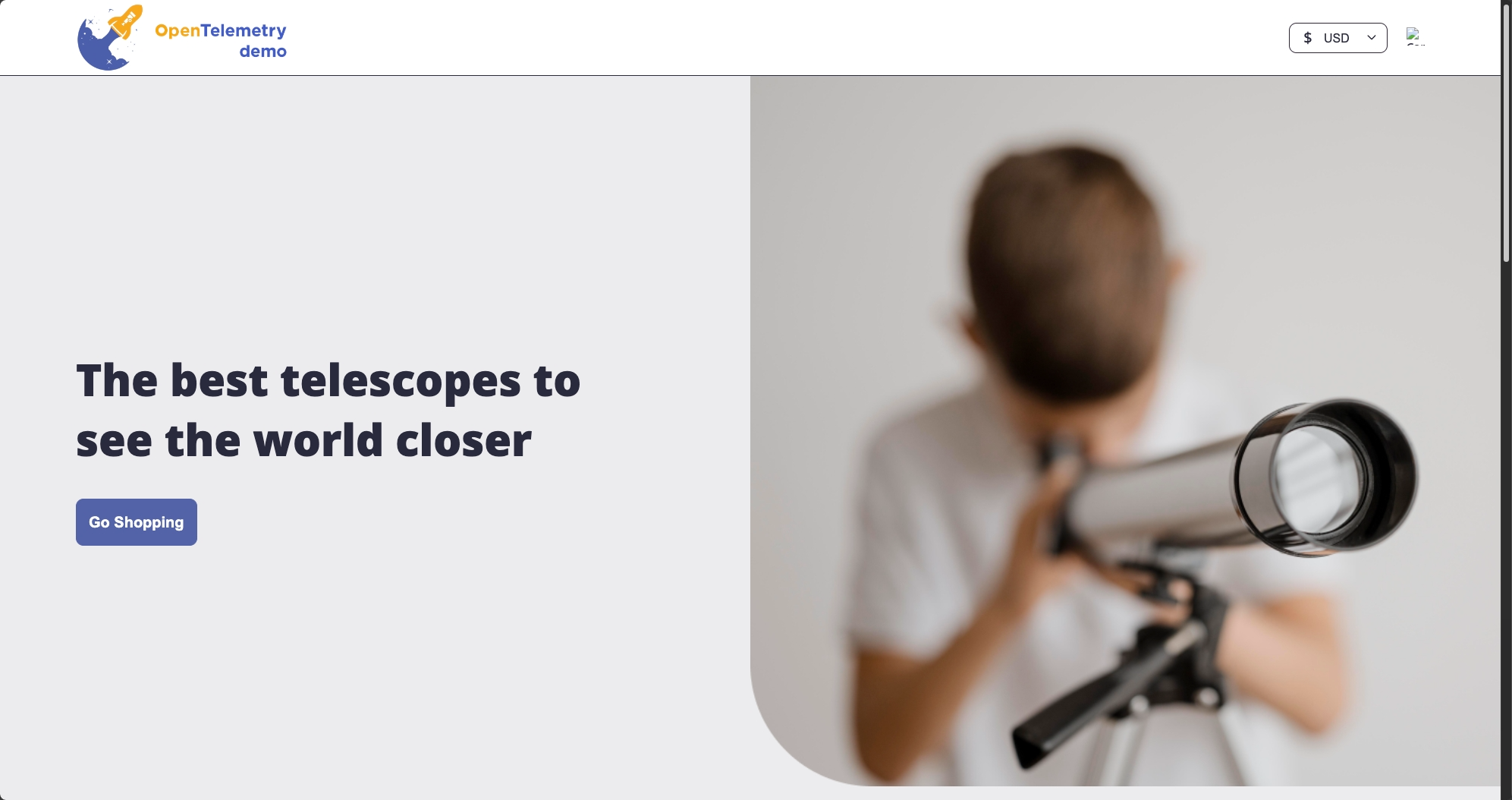
OpenTelemetry Astronomy Shop
I've been working with the OpenTelemetry Astronomy Shop Demo to gain hands-on experience in DevOps. It’s helped me understand how real-world applications are structured, monitored, and managed.
My Project Steps: A Simple Overview
Here's a simplified look at how I set up the OpenTelemetry Astronomy Shop Demo to learn about DevOps:
Cloud Setup (AWS)
- Used Terraform to get things running on the cloud (AWS).
- Made sure all the parts could communicate with each other.
- Set up a web address for the application.
Containers (Docker)
- Put each piece of the application into its own container.
- Managed these containers for the app.
- Tested the app on my computer using these containers.
Running on a Cluster (Kubernetes)
- Used Kubernetes on AWS (EKS) to run the application.
- Set up how the different parts of the app are started and managed.
- Made sure the app could store its data.
Setup as Code (Terraform)
- Wrote down the setup for AWS as code using Terraform.
- Made sure only one person could make changes at a time.
- Automated the process of setting up the AWS infrastructure.
Keeping Things Synced (GitOps with Argo CD)
- Used Argo CD to manage how the app gets updated based on the code in Git.
- Automated the deployment of new versions of the app.
- Defined how the Kubernetes setup should be in code.
Automated Deployment
- Automated building and testing of application code.
- Automated the deployment process.
- Automatically deployed code to Kubernetes.
Key DevOps Concepts
Microservices: Managing many small services adds complexity but increases flexibility.
Infrastructure as Code: Using code for setup ensures consistency and simplifies management.
Container Orchestration: Kubernetes makes it easier to run and scale applications efficiently.
CI/CD Pipelines: Automation speeds up deployments and reduces potential errors.
GitOps: Managing everything through Git ensures reliability and clarity.